The Properties panel in Illustrator lets you view settings and controls in the context of your current task or workflow. This panel has been designed with ease of use in mind, ensuring that you have access to the right controls when you need them.
SOURCE:
https://helpx.adobe.com/illustrator/using/properties-panel.html
Showing posts with label panel. Show all posts
Showing posts with label panel. Show all posts
Sunday, October 27, 2019

Saturday, October 26, 2019
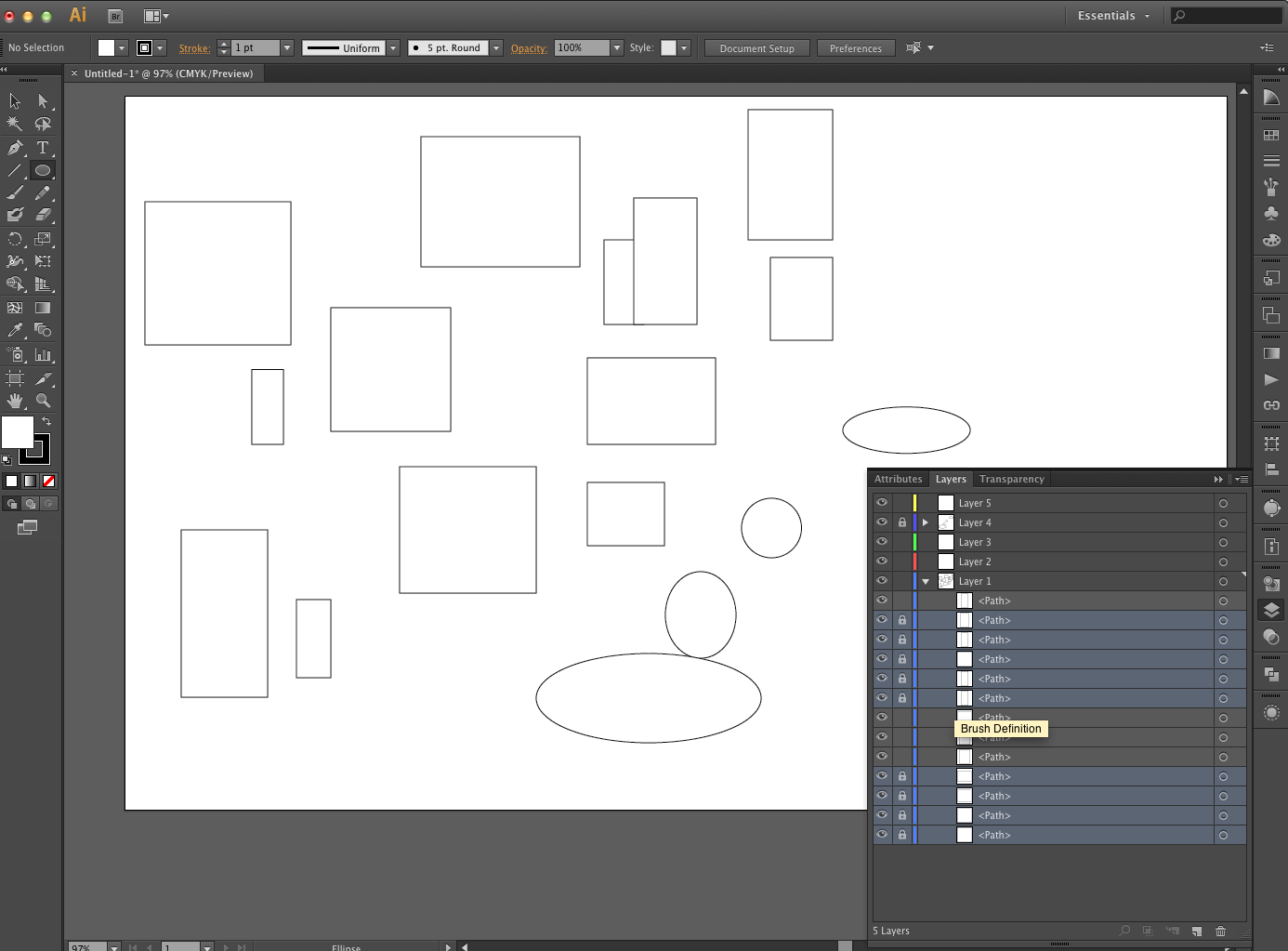
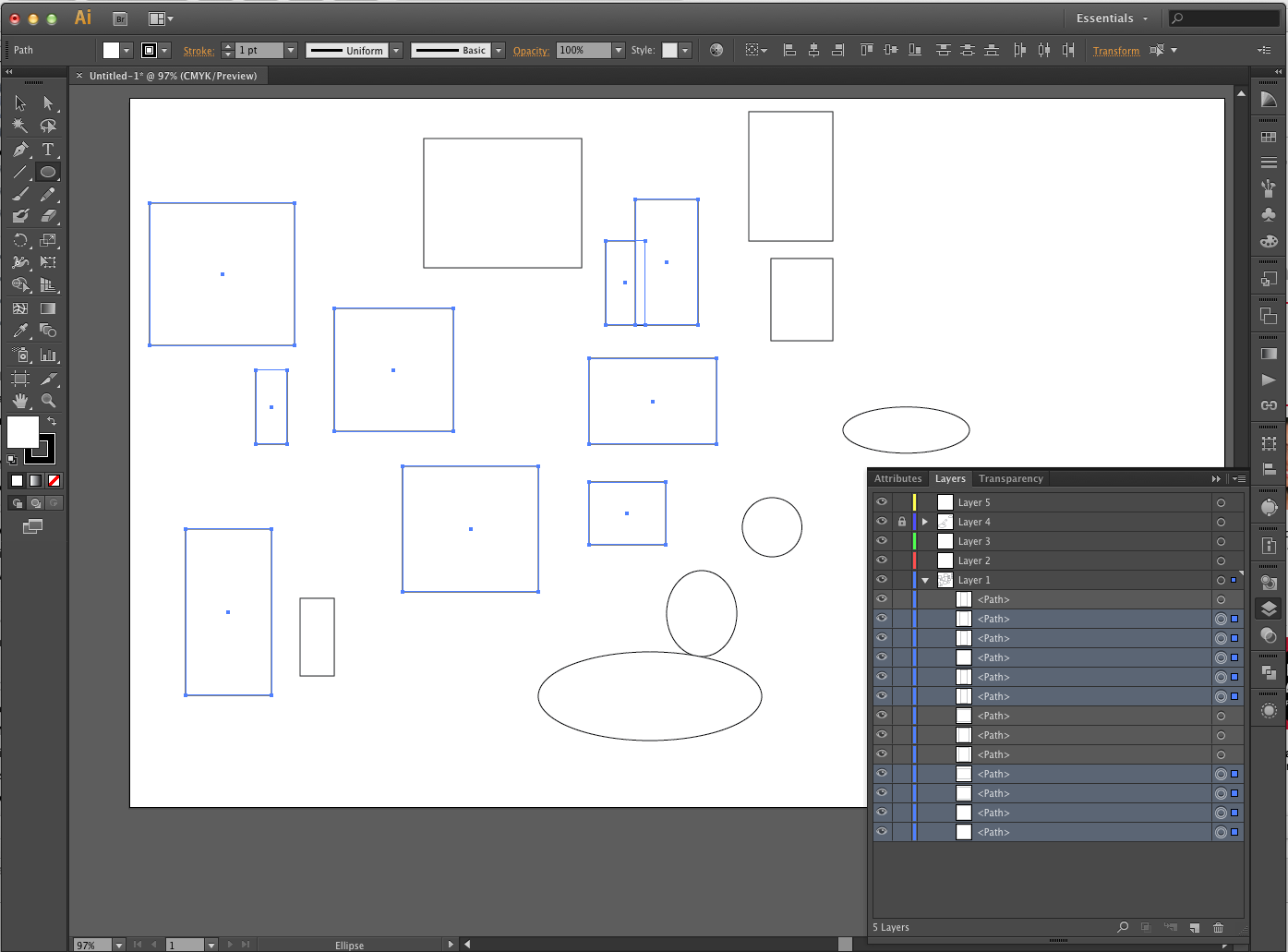
Illustrator - Selecting more than one layer in the layers panel
SOURCE:
https://community.adobe.com/t5/Illustrator/How-to-select-multiple-objects-in-the-layerpanel/td-p/4438170
-By locking a selection of layers it allows for an easy go-back-to when editing others that are unlocked. it doesn't necessarily make for an easier experience for making consistent layer selections overall, but it at least serves as a solid workaround for selecting more than one layer in the layers panel. save selection feature is still the strongest one in quickly assigning multiple layers a selection. Illustrator still doesn't have what Photoshop has in selecting and transforming by shift+clicking more than one layer. Or, functionality of selecting layers is made way easier in Photoshop. This apparently was different with Illustrator so that users could easily use the alt-click feature to copy/paste objects and not have the shift+click selection interfere. There are too many layers in Illustrator though, and selection is hugely important. Selection should be a big focal point for the user when working around Illustrator's weak points. And, this is one of them.
Subscribe to:
Posts (Atom)